
XTREME HDIPTV / DEVICES
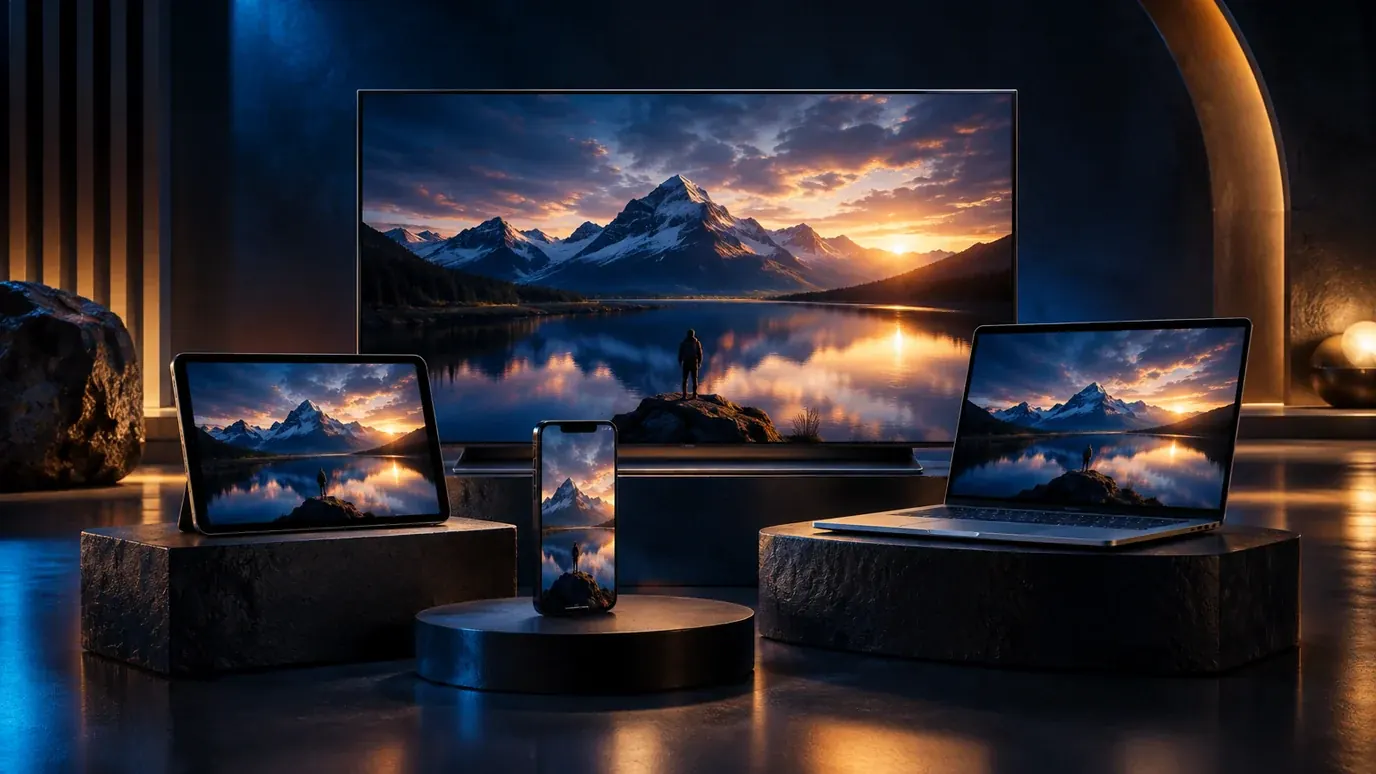
Start with your screen. Find the right setup.
Find the right route for your TV, streaming device, phone or computer.
Choose your plan →Start with the screen you already use
Smart TV, streaming device, phone or computer: find the setup route for your exact model before ordering.
Choose your player with confidence
KLYVO PLAY or IBOPLAYER is included free. Share your device model, software version and app-store region to confirm the appropriate option.
Choose the screen before choosing the subscription
The best starting point is the device you expect to use on an ordinary evening. A television with a comfortable remote, a tablet beside the sofa and a computer connected to a monitor have different strengths. Picture size is only one part of the decision. Consider who will operate the controls, how the screen reaches the internet and whether a supported player is actually offered for its operating system. A familiar device with a confirmed setup can be a better choice than a more expensive screen that needs workarounds.
Write down the exact product name, model number and software version. “Smart TV” describes a category rather than an application platform. Likewise, an Android phone and an Android TV box can have different app editions and input requirements. These details let the team check a useful route before you select a viewing period.
A practical device comparison
| Screen | Useful starting check | Everyday consideration |
|---|---|---|
| Smart TV | Operating system and regional app store | Remote navigation and available updates |
| Fire TV device | Exact generation and supported store edition | Power, HDMI placement and Wi-Fi reception |
| Android phone or tablet | Android version and genuine app listing | Mobile data, headphones and readable controls |
| iPhone or iPad | iOS or iPadOS compatibility and App Store region | Screen orientation, subtitles and listening route |
| Windows computer | Windows version and supported player package | Audio output, scaling and external screens |
| Mac | macOS version and processor compatibility | Supported app route and desktop display arrangement |
Use this comparison to identify the next question rather than to rank every device. A bedroom television may prioritise simple controls, while a travelling viewer needs a portable screen and a predictable connection. The right arrangement fits the place and person who will use it.
Player compatibility and content access are separate checks
A player provides the interface that opens your authorised source. The source supplies the channels or on-demand items associated with the account. Installing a player does not establish that a particular film, channel or sports fixture is included, and a device appearing in an app store does not settle the service’s connection allowance. Confirm both sides before ordering. Our player licence and content subscription explanation separates these arrangements.
Your offer includes one supported player option, KLYVO PLAY or IBOPLAYER, for the setup confirmed with the team. Start with KLYVO PLAY where a suitable edition is available. If the device requires a different supported route, verify the exact alternative and activation before buying another app licence. Similar names in a search result are not evidence that applications share a publisher, licence or device support.
Build a connection around the viewing position
The internet connection received by the viewing screen matters more than a speed test taken elsewhere. A television behind a cabinet may experience conditions that a phone beside the router does not. Try the existing network in the actual room, with the device in its normal position. If the setup supports Ethernet, a temporary cable comparison can help distinguish wireless conditions from another playback problem. It does not automatically prove that a faster broadband package is necessary.
Think about busy evenings as well as quiet tests. Downloads, cloud backups, video calls and other active screens can change the experience. Keep the first test simple, then repeat it under ordinary household conditions. The Ethernet and Wi-Fi comparison explains how to make a fair comparison without changing several variables at once.
Check picture, audio and input together
A useful setup must work beyond the opening screen. Confirm that the remote, mouse or touch controls can select the options you need. Try a programme with dialogue, another item you are entitled to watch and subtitles where available. Test ordinary stereo before investigating a silent surround receiver. Watch from the place where you normally sit, because small text that looks clear nearby may be difficult to read across the room.
HD and 4K depend on the source, player, decoding capabilities, display and connection working together. Setting a device’s output to 4K cannot add detail missing from the source. Similarly, a large screen does not guarantee that every audio format will work through a soundbar. The streaming quality guide helps you judge the picture you actually receive.
One household can need more than one route
List the screens that matter, then identify the first one to activate. Begin with one confirmed device and one playback session. Adding a second screen can introduce another player licence, a different app platform or a simultaneous-stream limit. Profiles and favourites organise an interface; they do not necessarily increase the number of active connections permitted by a source.
Shared televisions also need a clear daily routine. Decide which remote selects the correct input, how another person returns to live viewing and where the household keeps recovery information privately. If children use the screen, check the controls available at device, player and content levels. Our accessible viewing checklist is useful for planning readable menus and predictable controls for any household.
Move from compatibility to the installation guide
This page helps you choose and check a device. The installation guides provide the detailed route once the platform is known. Open the illustrated device guide collection for Android TV and Google TV, Apple TV, Android mobile, iPhone and iPad, Fire TV, Windows, Mac, Samsung TV or LG TV. Use the guide matching the actual operating system, not merely the logo printed on the screen.
Before following it, have the remote or keyboard, the store account needed for installation and your issued source details ready. Keep passwords and access-bearing playlist links out of screenshots. If your device presents different menus, pause and compare the model and software version rather than forcing a route written for another platform. A supported alternative is a separate compatibility decision, not an invitation to install an unverified package.
A device check worth sending to support
A useful message names the device model, operating system version, country of the app store and intended player. Add whether you will use Wi-Fi or Ethernet and whether sound passes through the television, headphones or an external receiver. If you are replacing a working setup, describe what you want to improve: remote usability, app support, picture consistency or a larger display.
Use contact support to confirm the route before selecting a 3, 6 or 12 month subscription. Ask which player and device activation are included and when the agreed period starts. Once compatibility is settled, keep a short private record of the supported app and device. That record makes later updates, replacement screens and troubleshooting much easier.
Three useful ways to narrow the choice
A shared living-room television
Prioritise the application platform, directional controls and the ability to return to the correct input. Ask another viewer to try the route from the television home screen to a programme. If they cannot repeat it without help, identify which transition is confusing before adding another box or remote. Keep the intended viewing distance in mind when checking menus and subtitles.
A personal screen used in different places
Prioritise the supported mobile edition, an understandable data setting and the listening accessories you carry. Establish what happens when the network changes and whether the app provides the particular background or external-display feature you need. Do not make an offline-viewing assumption from the fact that another application downloads films. Those functions need their own confirmation for this player and source.
A computer that also handles work
Prioritise a verified installation route, usable window controls and the right audio output. If the computer feeds a shared television, inspect what else appears on that display. A simple arrangement should let you end the viewing session and return to ordinary computer use predictably. Record the successful setup before investigating optional accessories.
These examples also help avoid an unnecessary purchase. A different device is useful when it solves an identified compatibility or usability need. It should not be the first answer to a source item that fails everywhere, a mistyped connection field or a temporary network interruption. Confirm the stage that needs improvement, then choose the smallest change that addresses that stage.
Explore more
Useful guides. Simple next steps.
